Everyone counts on you. You can count on us.
- The whole family’s prescriptions in one place
- Quick and easy one-time setup
- Free home delivery means more time for you


2 million registered patients

NHS partner for 25 years

UK’s largest online pharmacy

Proudly certified BCorp
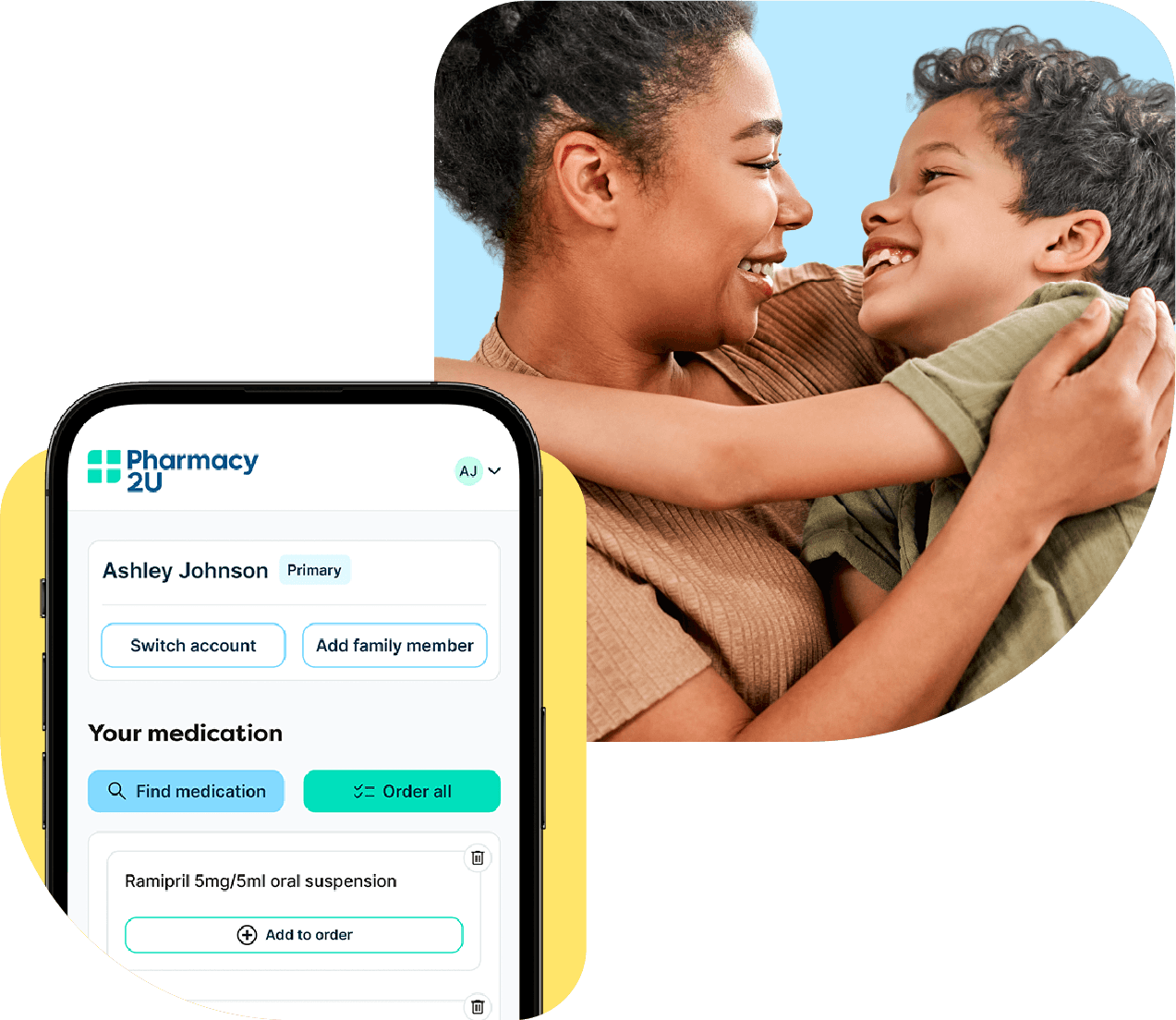
Take care of the whole family's NHS prescriptions in one account
We put you in control of the family’s healthcare. Find out how a Family Account could give you more time for the things that matter.
To set up a Family Account and manage prescriptions for another person through your account, just select ‘Add another patient’ from your account dashboard and follow the steps to set up their patient profile.
You can add the kids, the in-laws, your parents, or your partner. Family Accounts are for everyone. You can even add a neighbour you help care for or a family friend. We’ll just need to get their consent if they’re over 18.
As well as the person’s permission to manage their prescriptions on their behalf, we’ll ask you for their:
Name, address, and date of birth
Relationship to you
GP surgery details
NHS number if you know it
Payment or exemption details
If they’re over the age of 18, we’ll contact them to confirm they give their consent to have you manage their prescriptions for them.
How it works

Set up their profile

Their GP approves

We check and dispense

Items delivered free
Reasons to love our Family Account
Add family members to your account in minutes, ready to request their medicines.
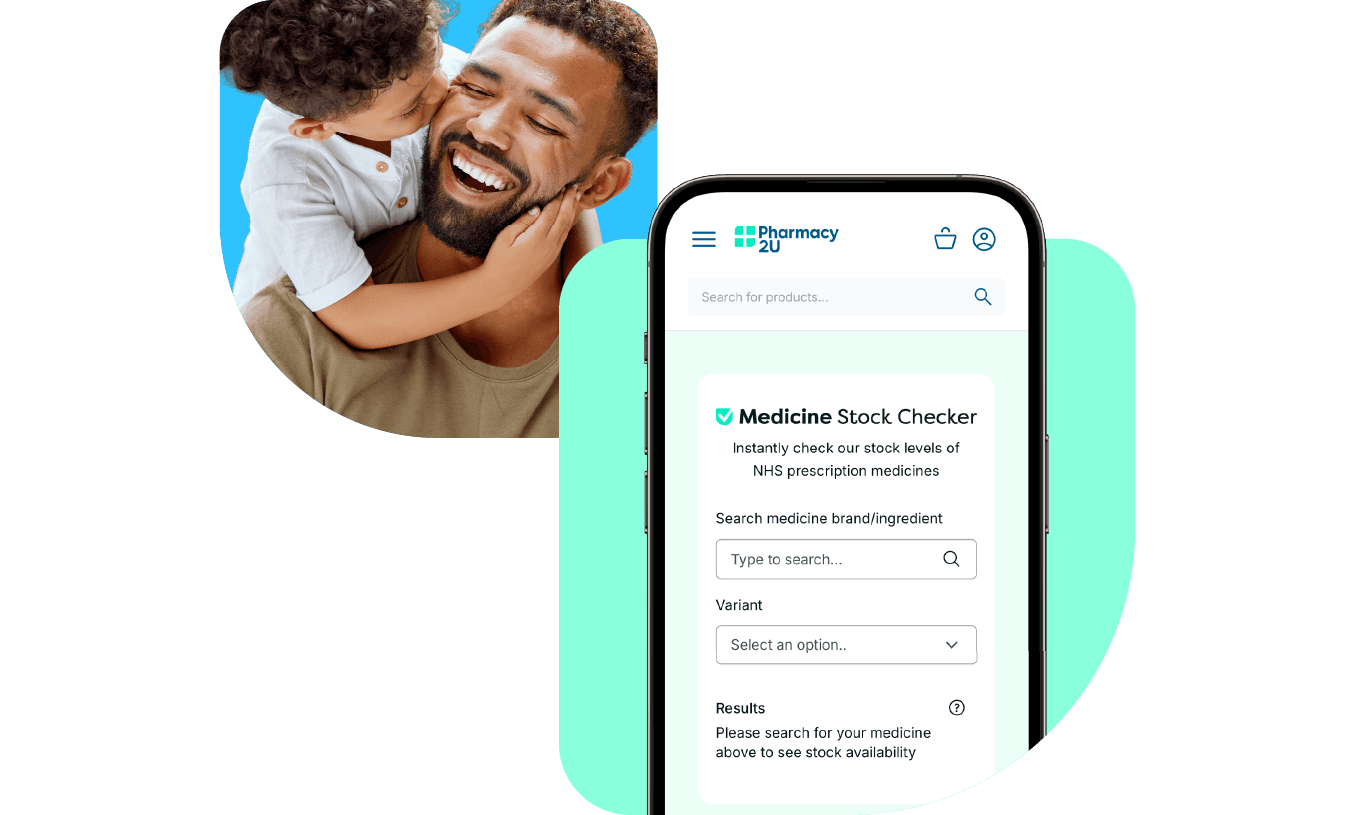
Get peace of mind when you use our stock checker tool to make sure your loved one’s medicine is available before you order.
Get updates on everyone’s orders, from request right through to delivery.
Set reminders for each family member so you can order in plenty of time.
Our award-winning team are here to help
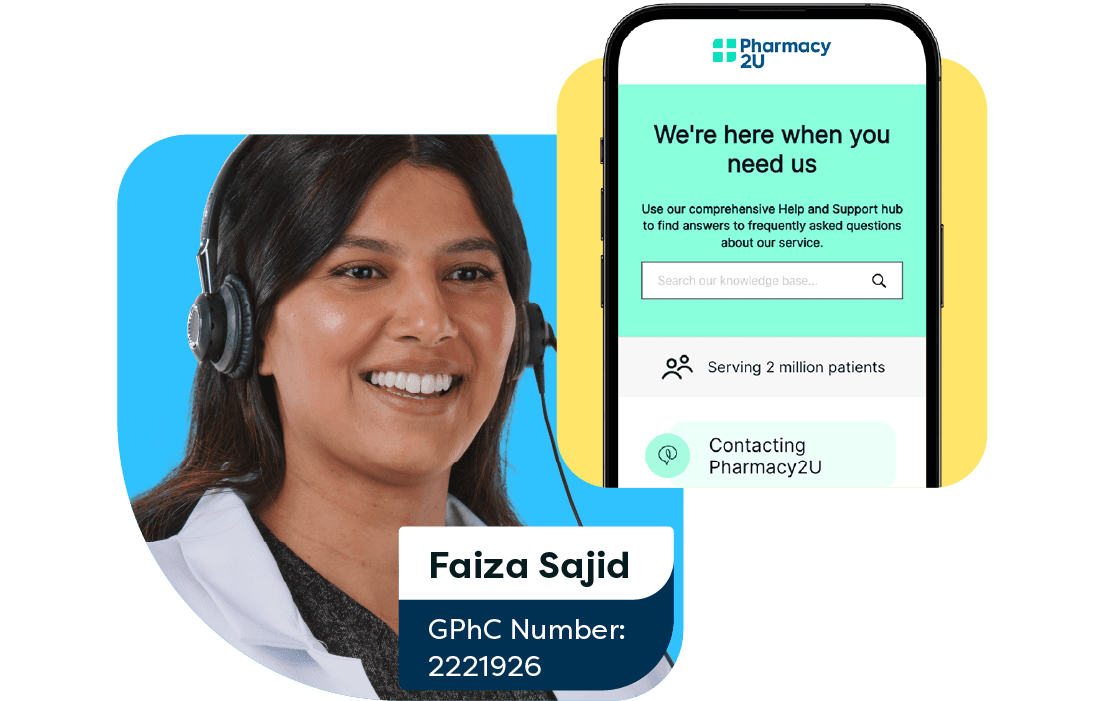
Have a question or need help? Start a live chat in the app or on the website, email us, or give us a call. For quick questions, ask our virtual assistant, Ana. At Pharmacy2U, we're here to help.
Why our patients trust us


Rated excellent with 400,000+ reviews as of October 2023
Worry free service
This service has taken all the worry out of ordering repeat perscriptions. They remind you when perscriptions are due & they are posted & within a couple of days they are there on your door mat. Exemplary service. Thank you.
Hester Pendino

Great service
Great service. With good liaison with my GP. And order always efficiently delivered. So much easier than queueing at the local chemist. I started using Pharmacy2U during the pandemic and no turning back.
Hilary Simpson
The help line staff were excellent
The help line staff were excellent, they understood my issue straightaway, told me they would need to speak to a line manager and would get back to me. The same person got back to me later in the day with an answer, issue resolved
Linda Lauren

Great user friendly service
This is a very easy service to use.
I order my medication online from the drs it goes straight through to Pharmacy2U they confirm they have received it and it is sent out for delivery. With emails keeping me informed of its status all along the way.Neil Etheridge
I get reminders when I need to order
I get reminders when I need to order. It is easy to order and I get updates to let me know how my order is progressing. Within a very short time it is put out for delivery. It is then up to Royal Mail to post it through my letterbox.
Janet Tittensor
Losing the monthly stress
Being able to request my prescription from the doctors and knowing that the items I require will be delivered to my door without delay. Originally I would go to the pharmacy after a 5 day wait to find that my prescription was not ready, so thank you for making my life easier.
Pat Cruttenden
Excellent service
Excellent service. Timely as ever. Prompted by P2U to re-order. From sending order to receipt was 7 days. Excellent as it includes GP’s approval sign off.
Ceijag
Frequently asked questions
Before you register
Yes! This is a free feature to help you manage prescriptions for others who rely on you. We’ll deliver their prescriptions for free too. The standard NHS prescription charge per item will apply if they pay for their prescriptions.
Yes. You can sign up for an account using your NHS login and add patients in the usual way once you’ve created your account.
Yes, you can still manage NHS prescriptions for others through the Family Account feature. Just create a basic account and add the people whose prescriptions you manage.
Anyone can create an account to manage their own prescriptions. Although to manage prescriptions for others using our Family Account feature, you’ll need to be 18 or older.
You can add children, parents, partners, friends, neighbours - anyone who relies on you to take care of their NHS prescriptions. You’ll just need to have their consent if they’re over 18.
We’ll ask you for their:
Name, address, and date of birth
Their relationship to you
Their GP surgery details
Their NHS number if you know it
Their payment or exemption details
There’s no limit on the number of patient profiles you can create using our Family Account feature.
Patients added to your account can be at the same address as you, or at a different address. You’ll just need to make sure the address provided is the same one they are registered with at their GP surgery. You can set a delivery address of your choice for each patient profile too.
No, managing prescriptions for family members will not affect the NHS care they receive. They will still receive the same level of service, with the benefit and convenience of having you manage their prescriptions.
Yes, you can manage NHS prescriptions for parents and elderly relatives. You can also add children, partners, friends, neighbours, and more to your Family Account – anyone who relies on you to take care of their NHS prescriptions. You’ll just need to have their consent if they’re over 18.
No, you don’t need to be registered with the same GP as your family member or other dependent. You just need to provide their GP surgery details, along with some other information – see ‘What information do I need to add a patient?’ above.
Yes, as long as you have their consent if they’re over 18. If they are, we’ll email them to confirm that they want you to manage their NHS prescriptions on their behalf. If you remove them, we’ll unlink their patient profile from your Family Account.
Managing your account
Yes you can. Choose from popular reminder cycles or choose a custom date that suits you. We can email, text, or send you an app notification when it’s time to order their repeat prescription online.
In your account, each patient profile will have a ‘Delivery’ section where you can set delivery addresses and preferences. These can be different for each patient linked to your account.
In your account, each patient profile will have a ‘Payments’ section where you can add or amend card details. These can be different for each person linked to your account.
Yes you can. Just like you would on the website, you can add a patient and manage their prescriptions in the Pharmacy2U app.
You can remove a patient from your account at any time. From their patient profile, select ‘Remove from Account’. You’ll then choose from a list of options stating why you’re removing them. This is so we know what to do next with their Pharmacy2U profile. Once confirmed, their patient profile will no longer be linked to your account.
Our Help & Support hub has information on topics like placing an order, updating personal details, payment and delivery, and tracking an order. If you need to speak to the team, you can call us on 0113 265 0222.
Consent, privacy, and Security
If the person you’re adding is under 18, we don’t require their consent. If you’re adding an adult, we’ll ask for their email address to confirm that they want you to manage their NHS prescriptions on their behalf.
Your online safety and security are a top priority for us. All your personal information and the information of those you care for is stored in accordance with our Privacy Policy.
Prescription tracking & delivery
You can track an order at every stage, from requesting it with your GP through to delivery. Just visit your account, choose the patient profile you need, and select the order you want to track. You’ll see a progress bar telling you what stage it’s at.
All NHS prescriptions are sent using Royal Mail Tracked 24 or 48. When we’ve dispatched the order, you’ll receive a tracking number from Royal Mail with an estimated delivery date
You can set delivery preferences for everyone with a patient profile in your account. Choose from:
Letterbox delivery. We’ll post the items through the letterbox if they fit.
A safe place: Choose a designated safe place for their items to be delivered to, such as a porch, garage, shed, or with a neighbour. Find more information about choosing a safe place for delivery on the Royal Mail website.
You can view, add, or delete delivery addresses for people whose prescriptions you manage. Just select their profile and visit Address Book in their My Account area.
Download the Pharmacy2U app
Effortlessly manage your NHS repeat prescriptions anywhere, anytime with the Pharmacy2U app. Free to download and use, you can request the medicines you need and set handy reminders to reorder.

